Aim for a 50 KB maximum file size using browser-based compression.
Resize Image to 50KB
Make an image 50KB or less for forms, applications and uploads. Smart Auto balances format, quality and dimensions to meet the limit.
✓ No signup✓ No watermark✓ Built for speed
What this example shows
Use the textured chart to practice making a compact preview. The 50 KB reference changes 1200 × 800 to 400 × 267, a rounded proportional size. This reduces detail as well as byte size; it is unsuitable when a form requires the original dimensions.
A complete workflow
Enter width 400 with the ratio locked, check the resulting height, choose JPG and switch auto-resize off before processing. Compare the chart’s small bottom text with the original at normal viewing size. Keep a larger copy for uses that need readable fine text.
If the result is wrong
If the destination demands a square, crop first instead of forcing this rectangular chart into 400 × 400. If it demands 600 × 400, keep those pixels and lower quality only as far as legibility permits. A 50 KB target does not override the destination’s shape or size rules.
Try a reproducible example
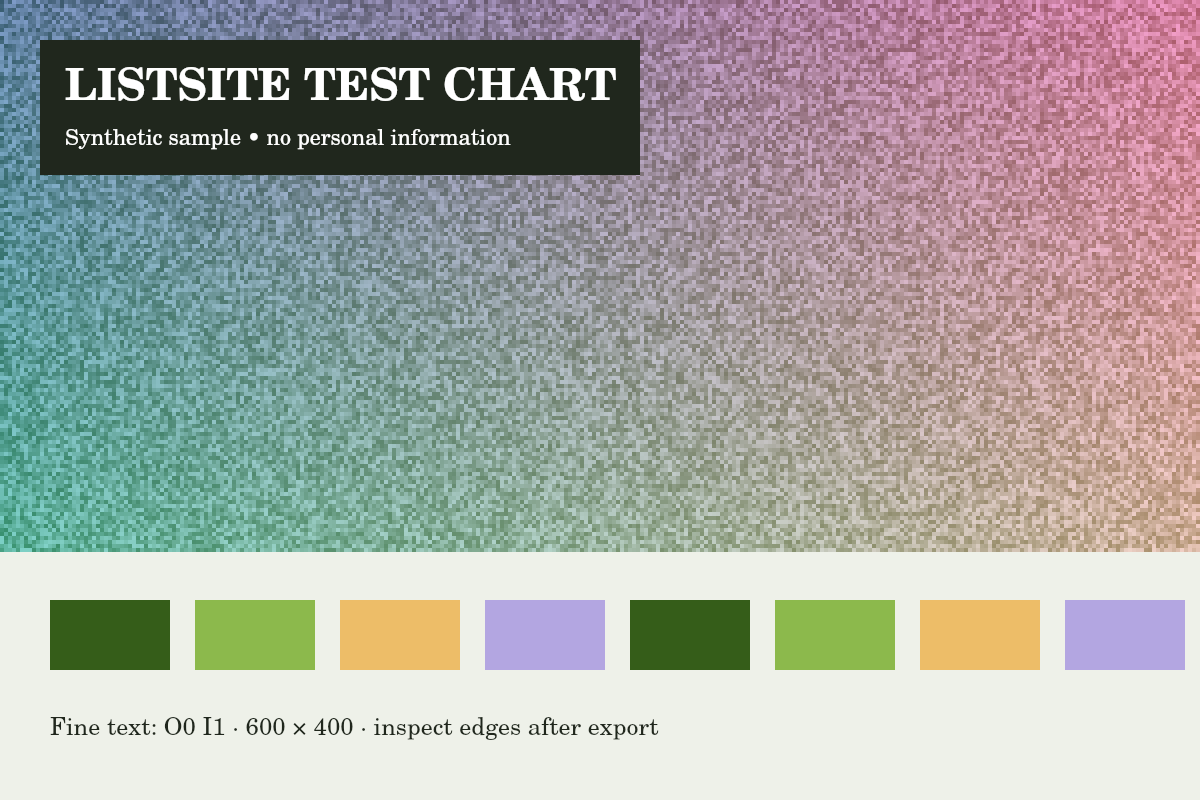
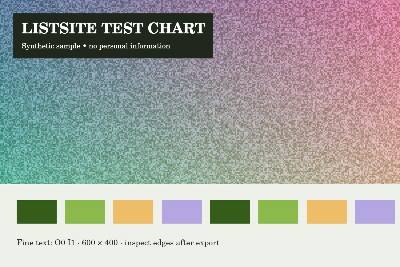
Reference run: JPG output, auto-resize off. Sizes are bytes, not rounded KB.
- Original: 151,886 B
- Export: 49,008 B · JPG · 400 × 267 px
How these examples were measured
These fictional test images were created for ListSite. Reference JPGs were produced by the same compressor code with a native Skia canvas test harness, not a browser benchmark. Sizes below describe these exact downloads. Your browser encoder and original image may produce different results. These examples do not establish OCR accuracy, AI quality or official form acceptance.