Aim for a 200 KB maximum file size using browser-based compression.
Resize Image to 200KB
Compress your image to a maximum of 200KB with control over dimensions, format and automatic resizing.
✓ No signup✓ No watermark✓ Built for speed
What this example shows
A generous limit does not mean you should re-encode a file unnecessarily. The original chart PNG is already below 200 KB. The reference JPG at the same 1200 × 800 dimensions is larger than that PNG, even though both meet the target. This is a format trade-off, not a compression saving.
A complete workflow
Keep the original PNG when it is accepted and already suitable. If JPG is required, use 1200 × 800, JPG, 200 KB and auto-resize off, then compare the downloaded copy. These settings demonstrate the requirement change; they are not a recommendation to replace a smaller accepted PNG.
If the result is wrong
Texture, sharp labels and flat colors compress differently. For an image already below the maximum, prioritize format compatibility and visual quality. Do not interpret an output near 200 KB as inherently better than a clear 120 KB file.
Try a reproducible example
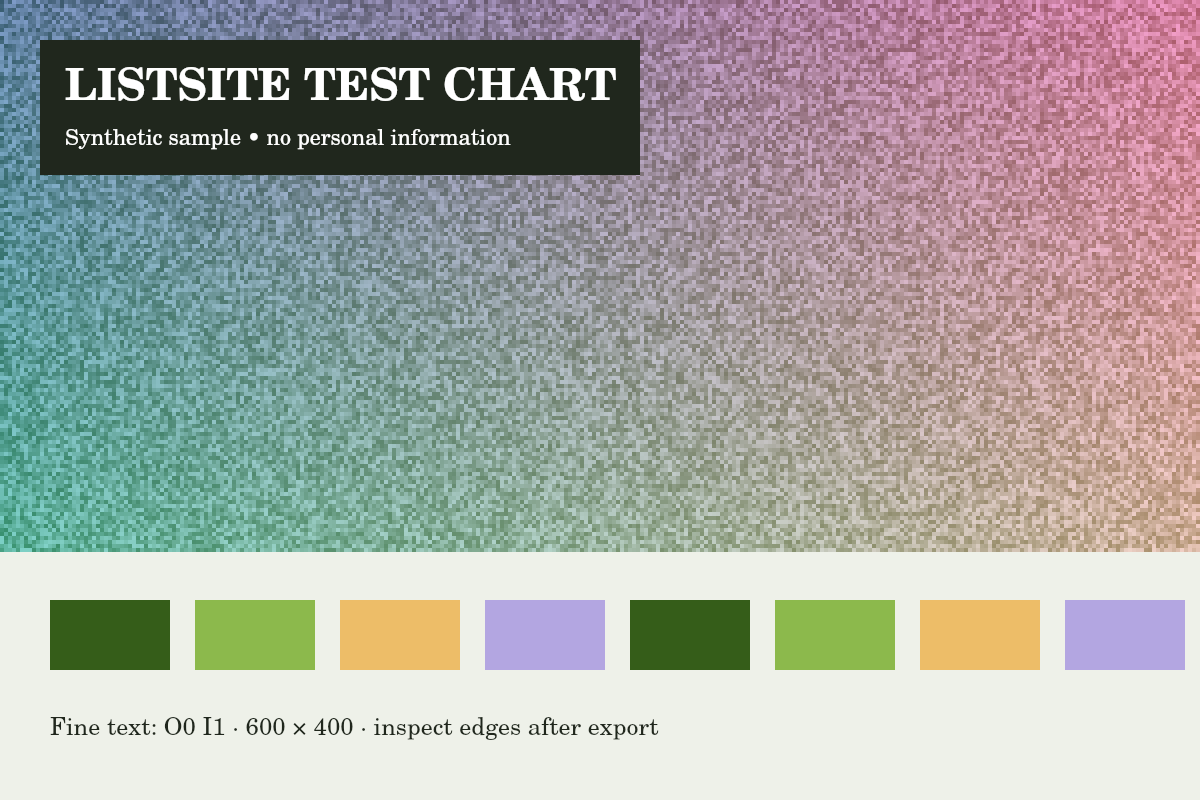
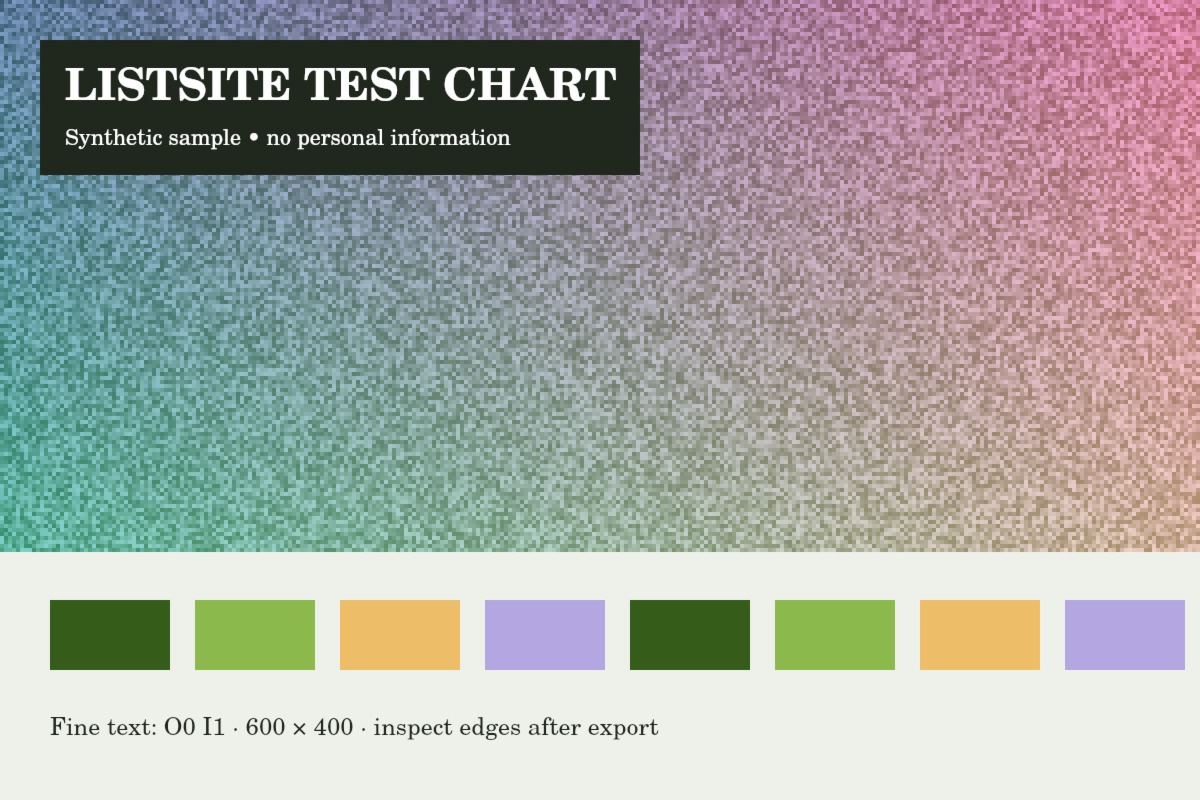
Reference run: JPG output, auto-resize off. Sizes are bytes, not rounded KB.
- Original: 151,886 B
- Export: 203,390 B · JPG · 1200 × 800 px
How these examples were measured
These fictional test images were created for ListSite. Reference JPGs were produced by the same compressor code with a native Skia canvas test harness, not a browser benchmark. Sizes below describe these exact downloads. Your browser encoder and original image may produce different results. These examples do not establish OCR accuracy, AI quality or official form acceptance.