Aim for a 100 KB maximum file size using browser-based compression.
Resize Image to 100KB
Reduce an image to 100KB or less while keeping as much useful quality and resolution as possible.
✓ No signup✓ No watermark✓ Built for speed
What this example shows
This example separates two constraints: 600 × 400 pixels and a 100 KB maximum. The reference JPG keeps those dimensions with auto-resize disabled. It is small enough for a 102,400-byte limit but not necessarily for a service that interprets 100 KB as 100,000 bytes.
A complete workflow
Use the original chart, set 600 × 400 and JPG, and select 100 KB. Compare the saved byte size with the receiving service’s exact rule. If the file is rejected at the boundary, choose Custom and 95 KB while preserving dimensions; a downloadable 95 KB reference is available in the size guide.
If the result is wrong
Turning auto-resize on can help meet a difficult target by shrinking pixels, but that is wrong when dimensions are compulsory. A smaller file is not automatically a compliant file. Check width, height, actual format, bytes and the important text independently.
Try a reproducible example
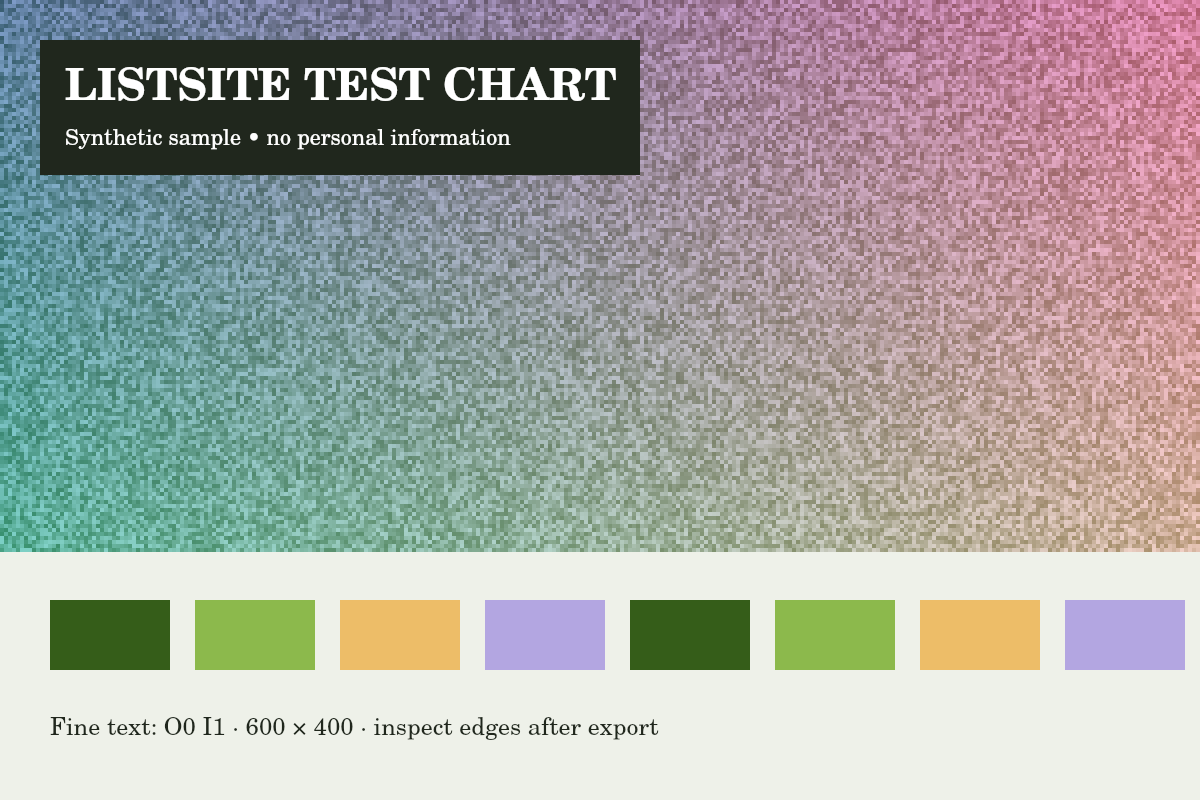
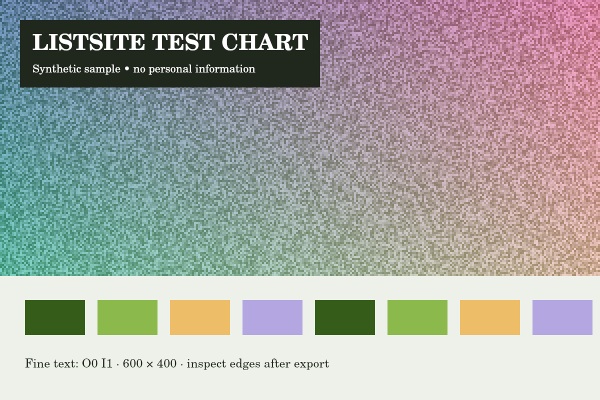
Reference run: JPG output, auto-resize off. Sizes are bytes, not rounded KB.
- Original: 151,886 B
- Export: 100,220 B · JPG · 600 × 400 px
How these examples were measured
These fictional test images were created for ListSite. Reference JPGs were produced by the same compressor code with a native Skia canvas test harness, not a browser benchmark. Sizes below describe these exact downloads. Your browser encoder and original image may produce different results. These examples do not establish OCR accuracy, AI quality or official form acceptance.