Local AI Photo Tools: Downloads, Privacy and Limits
Understand what stays on your device, why models download and which results still need your review.
Updated 23 October 2026
Local processing still needs downloads
A local tool runs its image operation inside your browser rather than uploading the photo for server processing. It may first download software, language files or model weights from an external provider. That provider can see ordinary connection details even though the selected photo stays on your device.
Expect different device performance
The first caption-model download can be several hundred megabytes. Processing speed depends on your browser, memory and image size. Start with a smaller non-sensitive sample, keep the tab open and avoid running several heavy tools at once. Cached models may remain until browser site data is cleared.
Review masks and captions
Face detection can miss small or obscured faces; plates require manual masks. Inspect the entire image before sharing, since pixelation does not guarantee anonymity. Image descriptions are English drafts and can invent details. Edit them for the image’s purpose on your page, and use empty alt text where an image is decorative.
Know which operations use AI
Portrait blur estimates a person mask with a model. Plain-background cleanup instead follows similar colors connected to image edges, and 2× enlargement uses browser interpolation. These operations have different limits: neither color matching nor interpolation can understand every object or recover genuine missing detail. Choose a tool by its actual behavior, not its label.
Keep the original file. Check the exported copy before sharing or submitting it.
Try local processing without a private photo
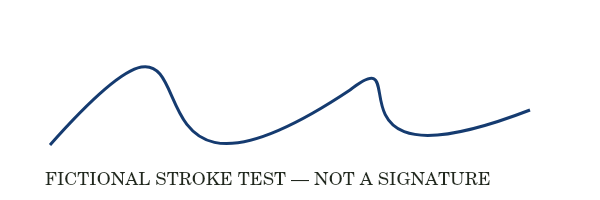
Start with the fictional stroke image in Enlarge image 2×. A 600 × 200 input should become 1200 × 400: twice the width and height, four times the pixel count. This is a dimension calculation, not a measured AI quality claim. Inspect the smooth curve and small label to see that more pixels do not reveal new real detail.
For OCR, use the fictional receipt instead of personal records. Face detection and portrait segmentation need suitable face or person images; a chart is not a meaningful accuracy test for those models. No model-accuracy percentage or speed ranking is asserted by these examples. Read each tool’s download notice before starting on a metered connection.
 Download the original sample
How these examples were measured
These samples contain no real receipt, person or signature. The 2× dimensions are calculated from the operation’s documented behavior. No face-detection, portrait-mask or caption-model accuracy test is represented here.