Why Your Image Upload Is Rejected
Diagnose file-size, format, dimension and browser problems without repeatedly degrading your original.
Updated 23 October 2026Read the exact error first
A failed upload does not always mean the picture is too large. The form may reject its format, dimensions, filename or aspect ratio, or the upload session may have expired. Save the error text and compare it with the instructions. Start again from your original rather than recompressing the previous export after every failure. Change one setting at a time so you can identify what actually resolves the issue.
Check actual format and dimensions
Use the converter when a supported source must become JPG, PNG or WebP. Changing the extension alone is insufficient. A phone may create HEIC files that these image tools do not decode; export a compatible copy using the device’s photo application first. Use the pixel resizer for width and height requirements. A preview that looks small on screen can still be thousands of pixels wide.
Leave a margin under the byte limit
If the image is just over the maximum, lower the target slightly and download again. ListSite uses 1024 bytes per KB, while some portals use 1000. If exact dimensions are required, disable auto-resize and reduce quality within an acceptable range instead. PNG quality sliders do not behave like JPG sliders; changing format may help only if the portal permits it. Never sacrifice the readability the form needs.
When the browser struggles
Large decoded images require much more memory than their compressed file size suggests. Close unused tabs or try a smaller source if a tool reaches its safety limit. Keep the page open until export finishes. PDF-to-image also downloads an external rendering library, so offline use or a blocked library request can prevent it from working. Do not disable browser security; retry on a supported browser and report the specific failure.
Report a useful problem description
Tell support which tool and browser you used, the source format and dimensions, your target settings, and the exact error. State whether the downloaded file opens normally outside the destination portal. You can describe the problem without attaching a passport, signature or private document. For urgent application deadlines, keep your original and follow the receiving organization’s official support instructions; ListSite cannot override its validation rules.
Reproduce a boundary rejection
The 100 KB reference is 100,220 bytes. A portal with a decimal 100 KB maximum allows 100,000 bytes, so this exact file is too large even though another display may round it to 100 KB. The 95 KB reference is 93,574 bytes at the same 600 × 400 dimensions. This explains one possible rejection; it does not diagnose every portal error.
If the smaller reference still fails, stop recompressing and check format, required dimensions, session expiry and the exact error text. Do not upload these test charts to an official application as if they were valid supporting documents. Use them only to learn file properties.
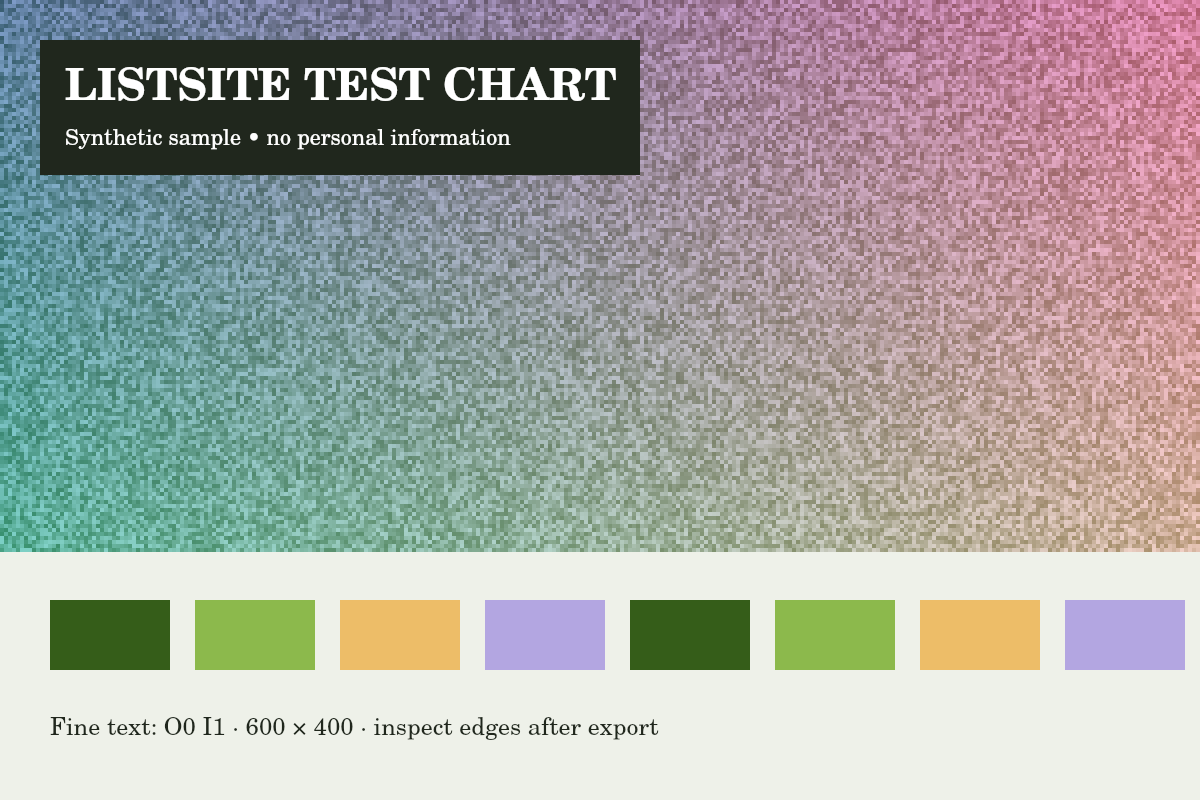
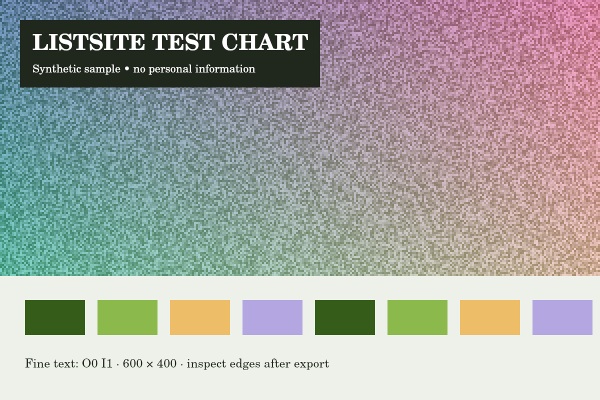
Reference run: JPG output, auto-resize off. Sizes are bytes, not rounded KB.
- Original: 151,886 B
- Export: 100,220 B · JPG · 600 × 400 px
How these examples were measured
These fictional test images were created for ListSite. Reference JPGs were produced by the same compressor code with a native Skia canvas test harness, not a browser benchmark. Sizes below describe these exact downloads. Your browser encoder and original image may produce different results. These examples do not establish OCR accuracy, AI quality or official form acceptance.
Try the tools
Found an unclear step or a mistake? Contact ListSite with the page and what needs correcting. Keep private documents out of your report.
Contact